Shared Daily Journal Update v2.0.3: Image Upload Policy Changes Explained
Who this update is for
- Users who keep memories with a shared daily journal in EeeDiary
- Couples or friends who often upload multiple photos per post
- Anyone who wants to understand what changed before updating
What changed in v2.0.3
EeeDiary v2.0.3 updates the core posting flow for shared daily journal writing.
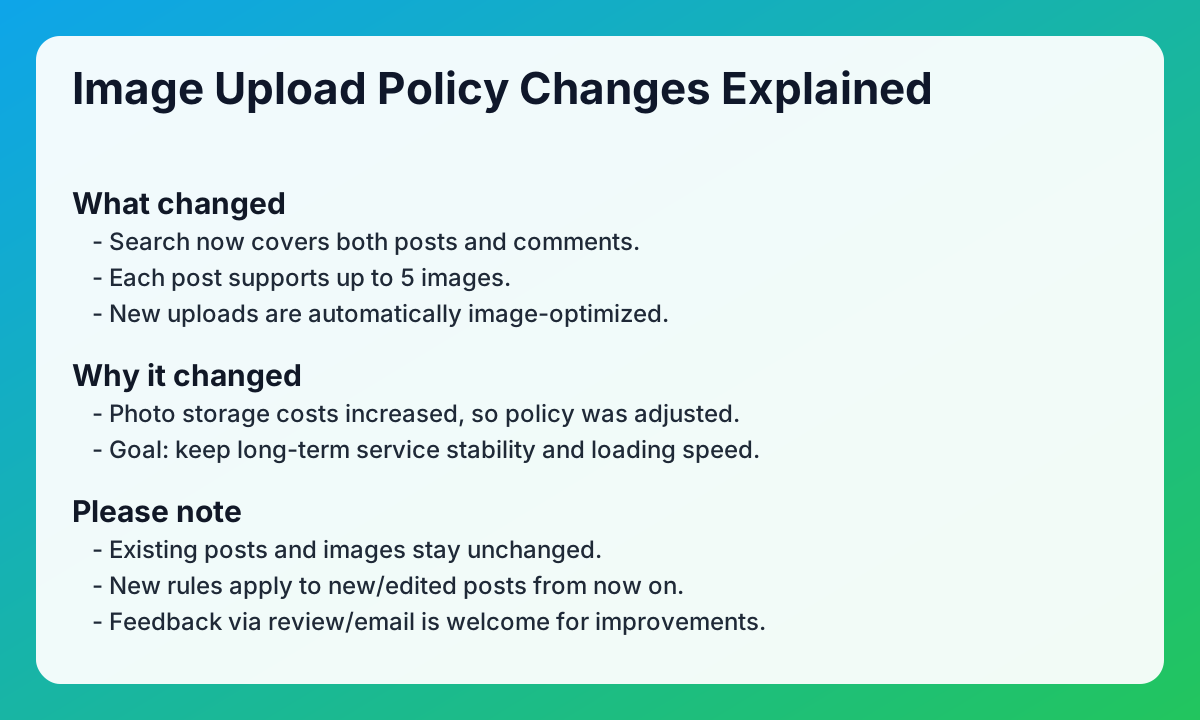
- Search feature added
- You can now search posts and comments together in one place.
- Image count limit updated
- Each post now supports up to 5 images.
- Automatic image optimization applied
- Uploaded images are stored in optimized size for better stability and loading speed.
Why this policy changed
To keep the service stable over time, storage cost for photos had to be controlled. This change is focused on long-term reliability for shared writing and memory keeping.
What it means for your posts
- Existing posts and existing images stay as they are.
- The new rule applies when you create or edit posts from now on.
- Some newly uploaded images may look slightly different in sharpness due to optimization.
Practical checklist for shared daily journal app users
- Choose the top 5 photos before posting.
- Keep original photos on your device if you need full-resolution archives.
- Use captions and comments to preserve context when reducing image count.
- Update to the latest version before testing new search behavior.
FAQ
Q1. Does this change delete my old images?
A. No. Existing posts and images are kept unchanged.
Q2. Is the 5-image limit applied to old posts too?
A. The new policy applies when you create or edit posts after v2.0.3.
Q3. Why can image quality look different now?
A. New uploads are automatically optimized to improve loading speed and service stability.
Q4. Where can I send feedback about this update?
A. Please share feedback through app review or support email so the team can prioritize improvements.
Related reads
Closing note
EeeDiary will keep improving the shared daily journal experience with stable performance and clear product communication.
Next search paths
Keep moving from this article into the matching guide, two nearby articles, and the main exchange diary app page.
Matching guide
What makes a shared diary app useful?
A shared diary app keeps one private writing space for two or more people. It works best when you want memories to stay readable instead of getting buried in messages.
Open guide →Related article
Handwritten Exchange Notebook vs Diary App: How to Choose Without Losing the Magic
Compare handwritten exchange notebooks with shared diary apps. Find the right balance between nostalgic warmth and modern convenience for couples and friends.
Read article →Related article
Starting an Exchange Diary as an Anniversary Gift: A Thoughtful Surprise Guide
Give more than just a physical gift for your 100th-day or 1-year anniversary. Learn how to surprise your partner with a private exchange diary filled with love.
Read article →Home page
Visit the exchange diary app homepage
EeeDiary is a private exchange diary app for couples, friends, and long-distance relationships. It helps you write in turns, keep one shared memory timeline, and revisit entries by date instead of losing them in chat.
Open homepage →Try EeeDiary
Start your shared exchange diary with couples or friends.