Shared Daily Journal Notice: How to Send Feedback Directly to the Developer
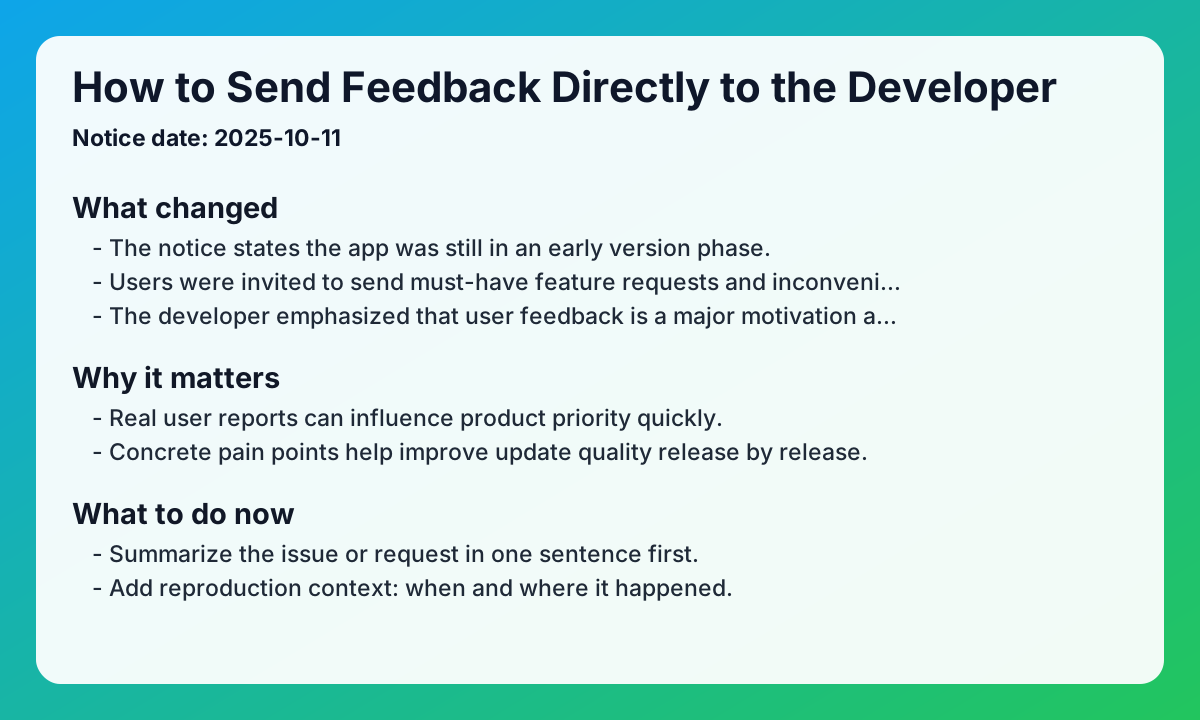
This shared daily journal notice explains the direct feedback channel opened during the early product stage. Notice date: 2025-10-11
Key updates from the original notice
- The notice states the app was still in an early version phase.
- Users were invited to send must-have feature requests and inconvenience reports by email.
- The developer emphasized that user feedback is a major motivation and roadmap input.
Practical impact
- Real user reports can influence product priority quickly.
- Concrete pain points help improve update quality release by release.
- A direct channel strengthens trust between users and product team.
Checklist for shared daily journal app users
- Summarize the issue or request in one sentence first.
- Add reproduction context: when and where it happened.
- Include app version and device information briefly.
- Send it through the support email channel and keep follow-up notes.
FAQ
Q1. What kind of feedback is most useful?
A. Specific must-have requests and clear inconvenience cases are the most actionable.
Q2. Where should I send feedback?
A. Use the support email channel announced in the notice.
Q3. Is short feedback still helpful?
A. Yes. Even short notes can reveal repeated friction patterns.
Related reads
Closing note
EeeDiary keeps evolving the shared daily journal app through direct user feedback and issue-driven iteration.
Next search paths
Keep moving from this article into the matching guide, two nearby articles, and the main exchange diary app page.
Matching guide
What makes a shared diary app useful?
A shared diary app keeps one private writing space for two or more people. It works best when you want memories to stay readable instead of getting buried in messages.
Open guide →Related article
Handwritten Exchange Notebook vs Diary App: How to Choose Without Losing the Magic
Compare handwritten exchange notebooks with shared diary apps. Find the right balance between nostalgic warmth and modern convenience for couples and friends.
Read article →Related article
Starting an Exchange Diary as an Anniversary Gift: A Thoughtful Surprise Guide
Give more than just a physical gift for your 100th-day or 1-year anniversary. Learn how to surprise your partner with a private exchange diary filled with love.
Read article →Home page
Visit the exchange diary app homepage
EeeDiary is a private exchange diary app for couples, friends, and long-distance relationships. It helps you write in turns, keep one shared memory timeline, and revisit entries by date instead of losing them in chat.
Open homepage →Try EeeDiary
Start your shared exchange diary with couples or friends.