Shared Daily Journal Update v2.0.2: LINE Login and Image Editing Tools
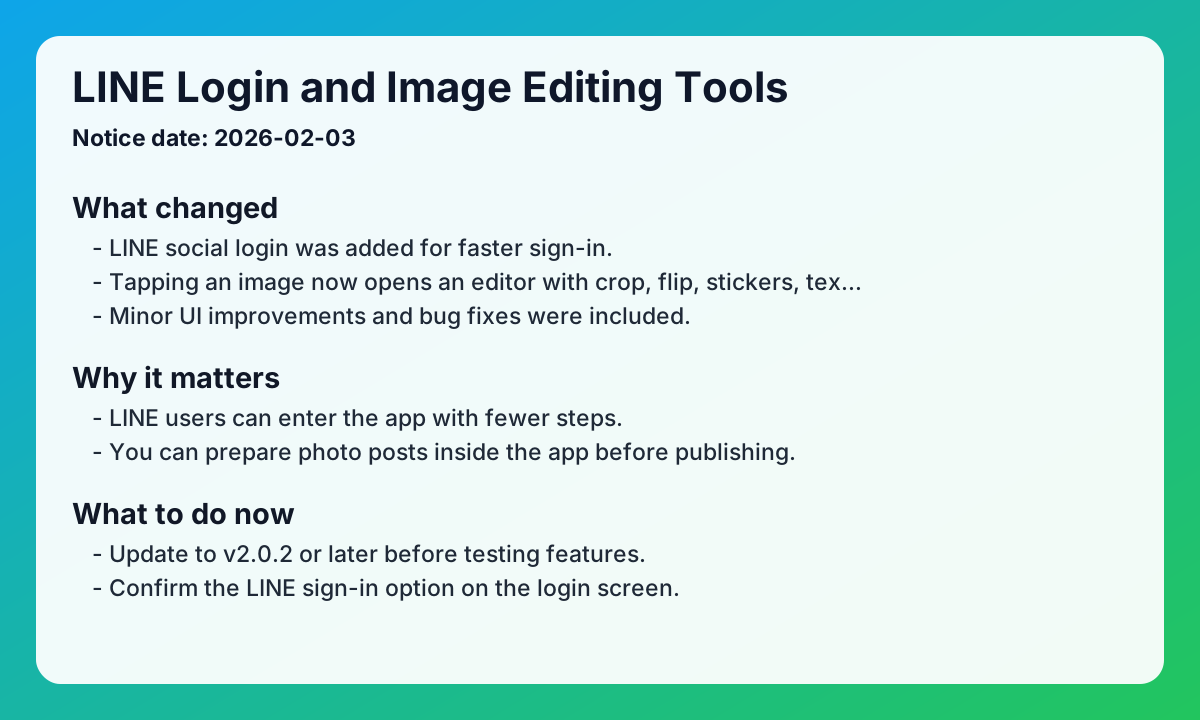
This shared daily journal update summarizes the original v2.0.2 notice so you can quickly check what changed before writing. Notice date: 2026-02-03
Key updates from the original notice
- LINE social login was added for faster sign-in.
- Tapping an image now opens an editor with crop, flip, stickers, text, and drawing tools.
- Minor UI improvements and bug fixes were included.
Practical impact
- LINE users can enter the app with fewer steps.
- You can prepare photo posts inside the app before publishing.
- Overall diary-writing flow becomes more stable.
Checklist for shared daily journal app users
- Update to v2.0.2 or later before testing features.
- Confirm the LINE sign-in option on the login screen.
- Tap a photo while writing and verify editor tools open correctly.
- Test your most-used actions such as crop, stickers, and text.
FAQ
Q1. How do I use the new features?
A. Install the latest version and the v2.0.2 functions become available.
Q2. Where can I open the image editor?
A. Tap an image during writing to open the built-in editor.
Q3. Was this release only about new features?
A. No. The original notice also includes small UI updates and bug fixes.
Related reads
Closing note
EeeDiary keeps refining the shared daily journal experience so writing, editing, and sharing feel more reliable each release.
Next search paths
Keep moving from this article into the matching guide, two nearby articles, and the main exchange diary app page.
Matching guide
What makes a shared diary app useful?
A shared diary app keeps one private writing space for two or more people. It works best when you want memories to stay readable instead of getting buried in messages.
Open guide →Related article
Handwritten Exchange Notebook vs Diary App: How to Choose Without Losing the Magic
Compare handwritten exchange notebooks with shared diary apps. Find the right balance between nostalgic warmth and modern convenience for couples and friends.
Read article →Related article
Starting an Exchange Diary as an Anniversary Gift: A Thoughtful Surprise Guide
Give more than just a physical gift for your 100th-day or 1-year anniversary. Learn how to surprise your partner with a private exchange diary filled with love.
Read article →Home page
Visit the exchange diary app homepage
EeeDiary is a private exchange diary app for couples, friends, and long-distance relationships. It helps you write in turns, keep one shared memory timeline, and revisit entries by date instead of losing them in chat.
Open homepage →Try EeeDiary
Start your shared exchange diary with couples or friends.